OK. So where was I? Ah yes… saving the storage space on your devices. The mean streets of digital Ringwood and Fordingbridge are, I hope, teeming with the now homeless applications you have evicted from your devices.
So, let us move on to look at those pesky photographs (space hogs) and videos (super space hogs).
I expect in the cupboards at home somewhere, you have several photograph albums, once lovingly purchased from W H Smith’s or Woolworths to house your prints when they came back from processing. You’d been waiting patiently for a week or so for them, so their arrival was a cause of joy. (Remember Arthur Askey and his ‘some day my prints will come’ joke?)
I’ll bet you sorted through them and removed the over-exposed and the under-exposed, the out-of-focus, the finger or thumb in shot ones, the ones where people had been decapitated, others where someone walked into frame just as the shutter clicked. The point being that you were choosy about what went into the album and what didn’t.
I also don’t think you carried all your photo albums with you everywhere you went on the off chance someone might like to see one of your photos. A small Grandparents’ boasting book may possibly have resided somewhere with you awaiting its moment, but armfuls of albums… unlikely!
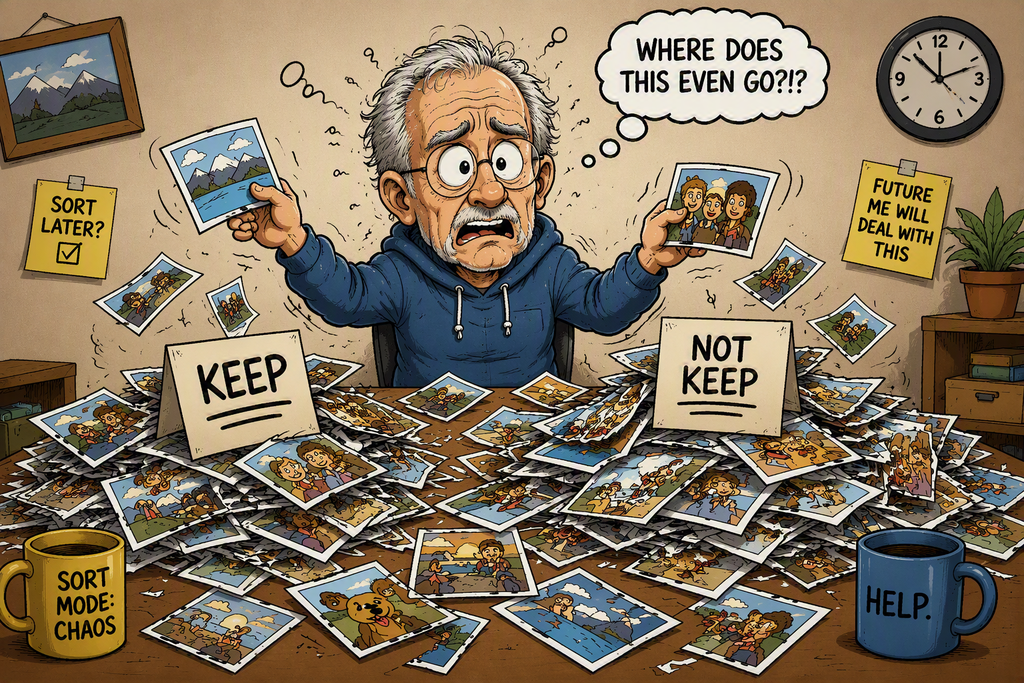
So, let’s come up to date. Digital photos are taken much more readily than film ones. They are automatically stored on your device… all of them: the good, the bad and the ugly. People rarely go through the sorting process. The devices themselves don’t help. One of my family said she was finding multiple versions of every picture she took stored on her device and couldn’t understand why. Beware the ‘burst’ setting! This takes lots of photos in quick succession. Great for photojournalists, but unnecessary for most of us.
So, Cunning Plan #1: After a day’s shooting, review the pictures and cast out the dross immediately. Don’t let it sit there taking up space. Be selective… do you really need five photos of Aunt Gwen blocking what might otherwise have been a scenic shot of Windermere?
That done, let’s think about whether these photos need to reside permanently on your device. (The equivalent of carrying all your photo albums with you everywhere.)
If you have other larger devices, store your photos there and just keep the ones you want to carry about on your portable devices on the device. People come to me with 3000+ photographs on their phones. Small portable devices are not intended for lots of long-term storage, and heaven help the friend to whom you decide you need to show your entire photo collection. You may find they suddenly develop narcolepsy.
Cunning Plan 2: Remove all the unnecessary photos from the device. Keep that for the photos you want to hand. These may well be treasured ones. If they are, keep a backup elsewhere. A lost phone may equal lost memories.
‘But I have no larger devices available?
I’m out of space now, but be not afraid, there are more cunning plans to come in next month’s edition… and I haven’t even started on video files yet!
Tony